Any video, live in 3D
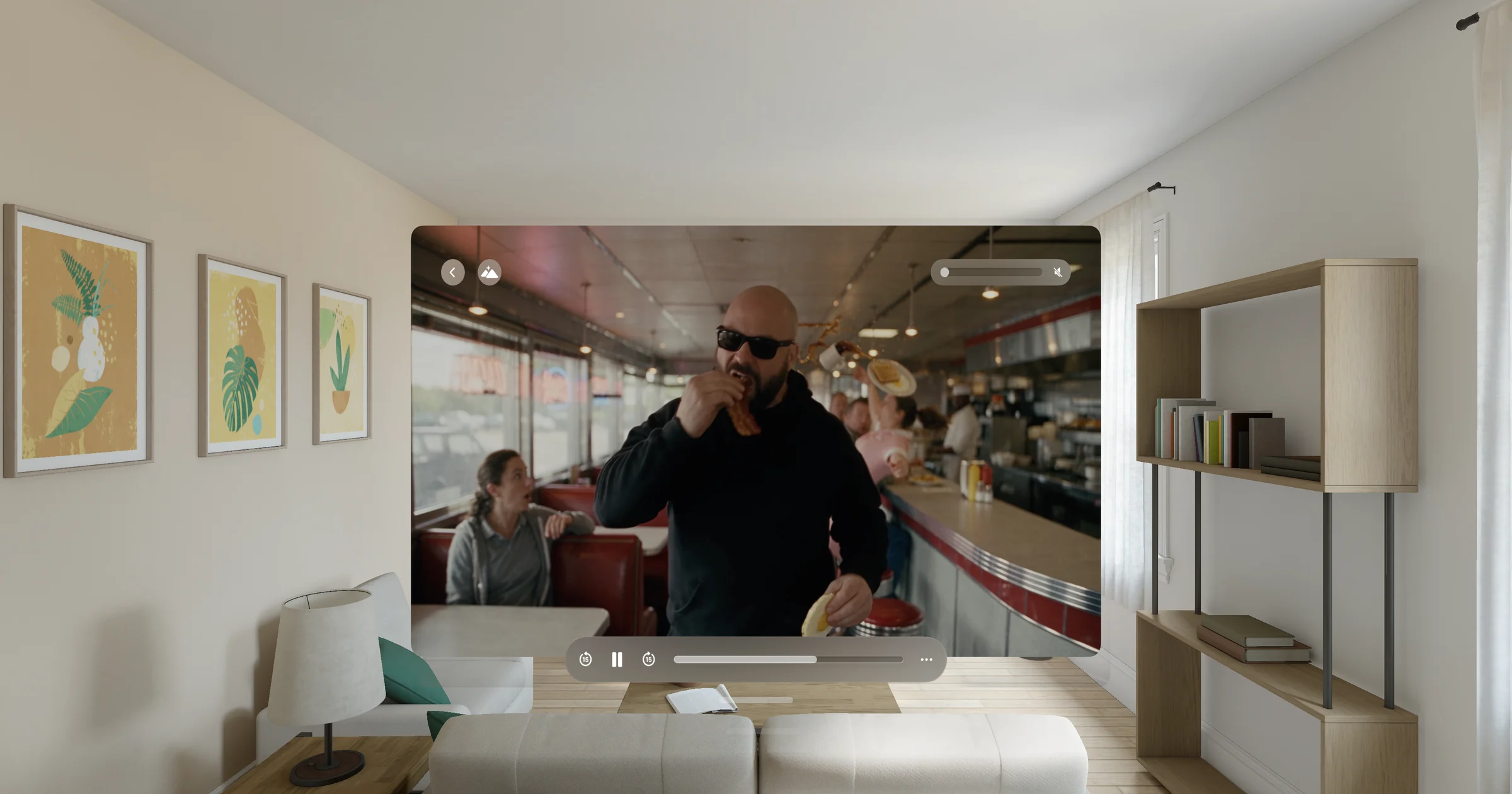
A whole film plays in 3D on your headset while your iPhone, iPad or Mac converts it, from your library, from Files or from a URL. Nothing to convert first.
iPhone · iPad · Mac · Apple Vision Pro
Turn any 2D video into 3D and watch it on your headset: Meta Quest, Apple Vision Pro or any other. Play it live as it converts, or save it in 3D for later. Private, over your local network.
Free to try, no sign-in: the first minute of any video, every photo, and 30 minutes of Play Live every four hours.
Three ways in
A whole film plays in 3D on your headset while your iPhone, iPad or Mac converts it, from your library, from Files or from a URL. Nothing to convert first.
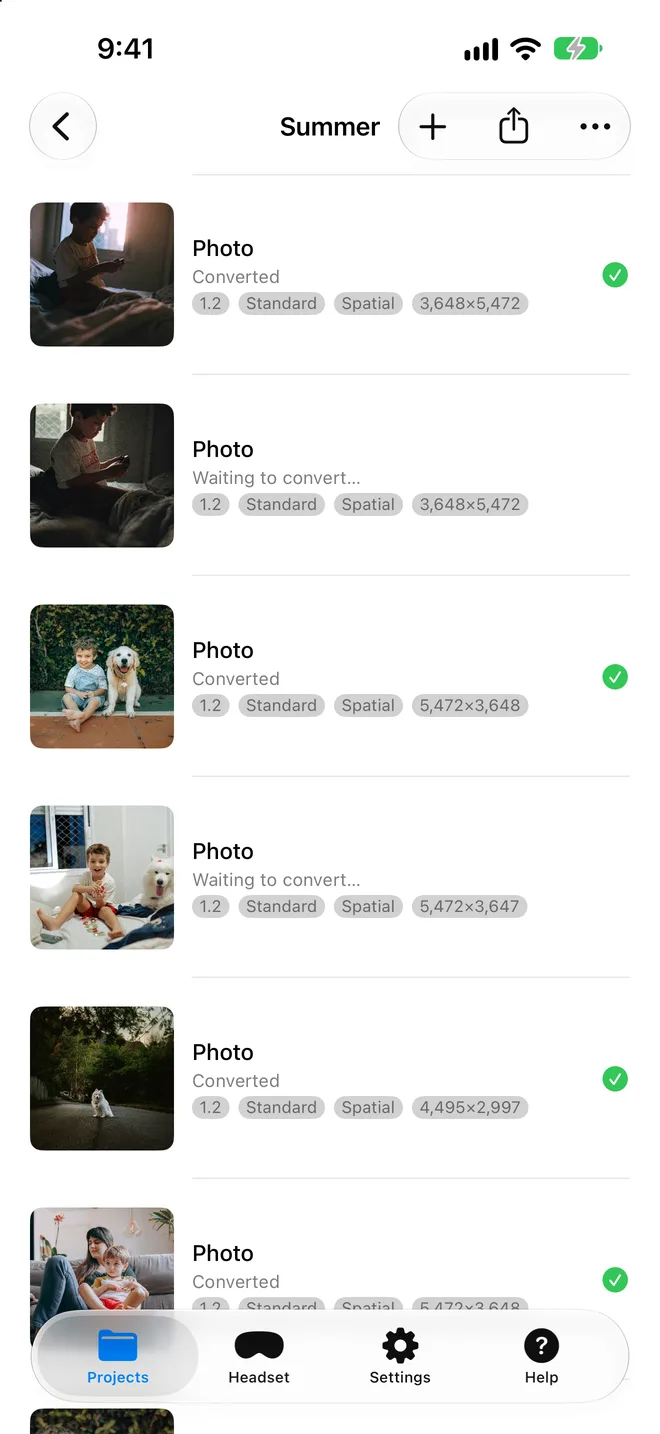
Convert a video ahead of time and keep its 3D copy: it plays at once on your headset later, with seeking. On your device, offline, up to 4K per eye.
Play on Headset sends a converted video to your headset with one tap. Apple Vision Pro finds your Mac, iPhone or iPad by itself and plays it offline.
Where to watch
Your videos stay at home: the headset plays them from your iPhone, iPad or Mac over your local network.
Open the Headset tab and turn on Share on Local Network. Type the address it shows into the headset's browser and press play: side-by-side 3D, live or saved. Nothing to install on the headset.
Install Spatial Video Studio on the headset too. It finds your Mac, iPhone or iPad by itself: pick a video in Play from Mac, or tap Play on Headset on the other device.
Export to Photos, Files or AirDrop. Spatial videos play in 3D in Photos on Apple Vision Pro; side-by-side files play in any headset's video player. On a phone or a Mac they look flat.
 Free to try, no sign-in
iPhone, iPad and Mac
Projects convert in the background, the Headset tab plays them on any VR headset in the room, and Play on Headset sends a finished video with one tap.
Apple Vision Pro
The headset app converts on its own, plays what your Mac, iPhone or iPad converts, and keeps a library of everything they send.
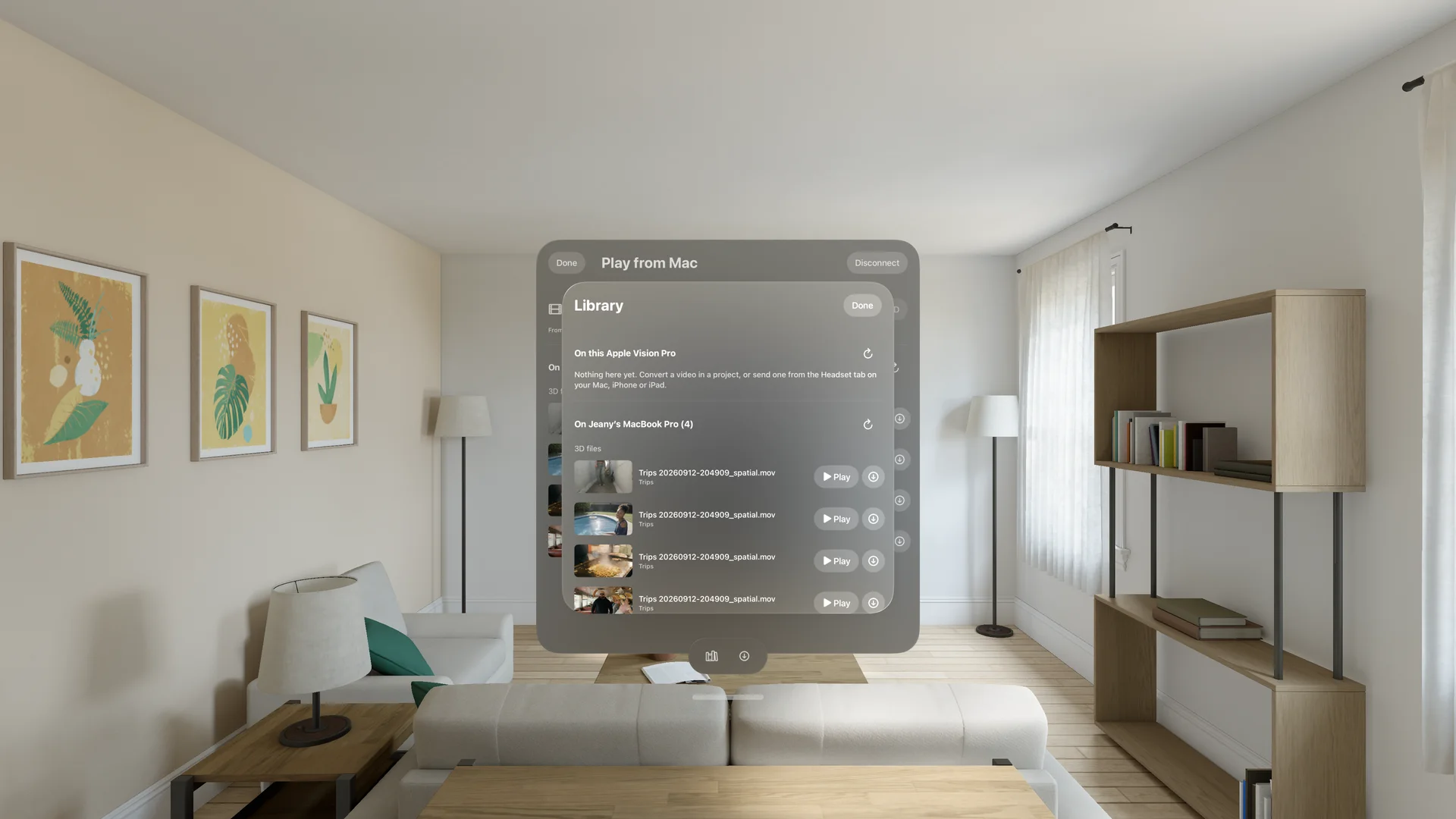
Videos to convert, videos saved in 3D and finished spatial files, from every device in the house.
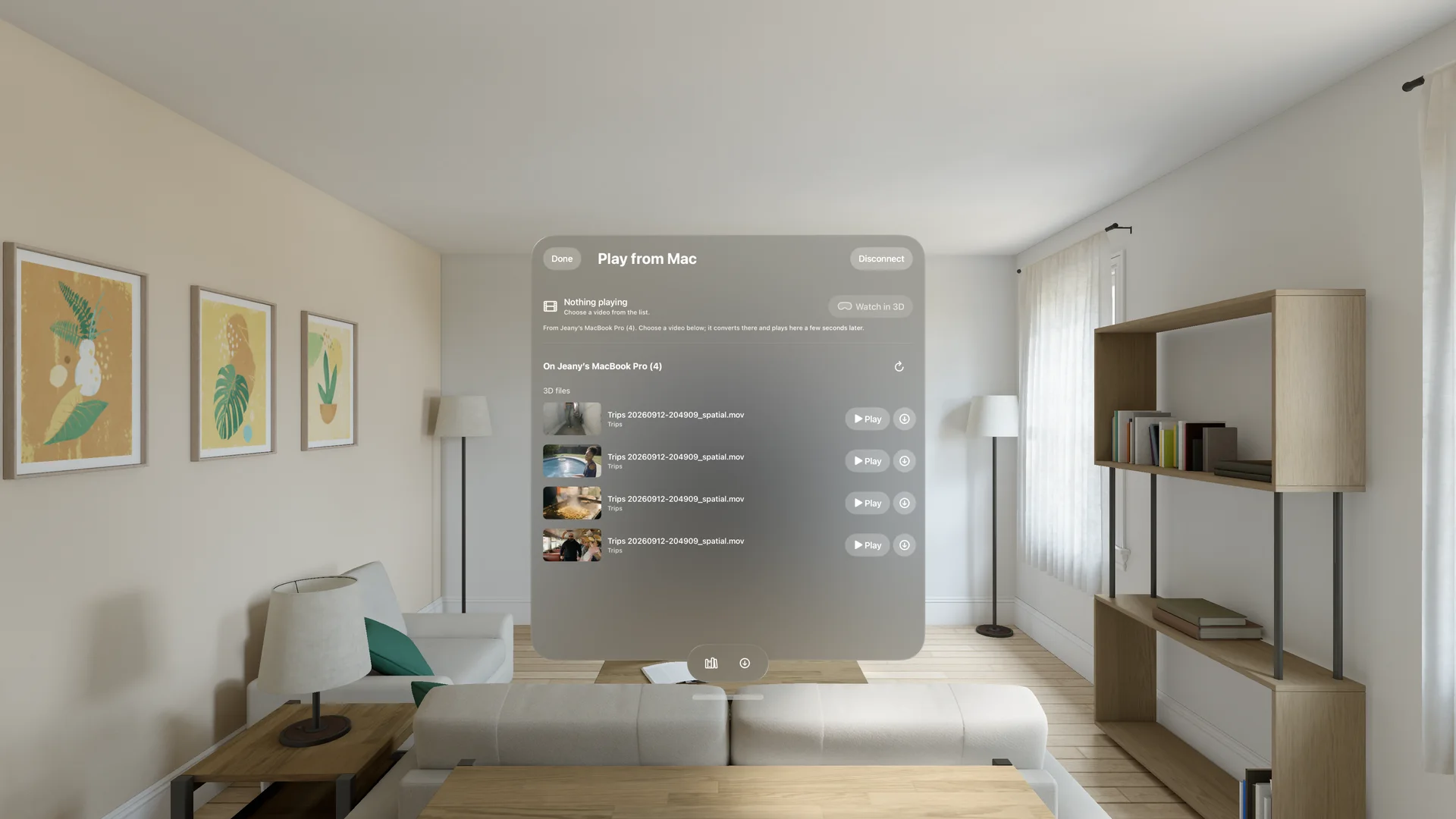
The Mac converts faster and at higher quality. Pick it from the list and its videos play here as spatial video, or tap Play on Headset on the Mac and the video opens here.
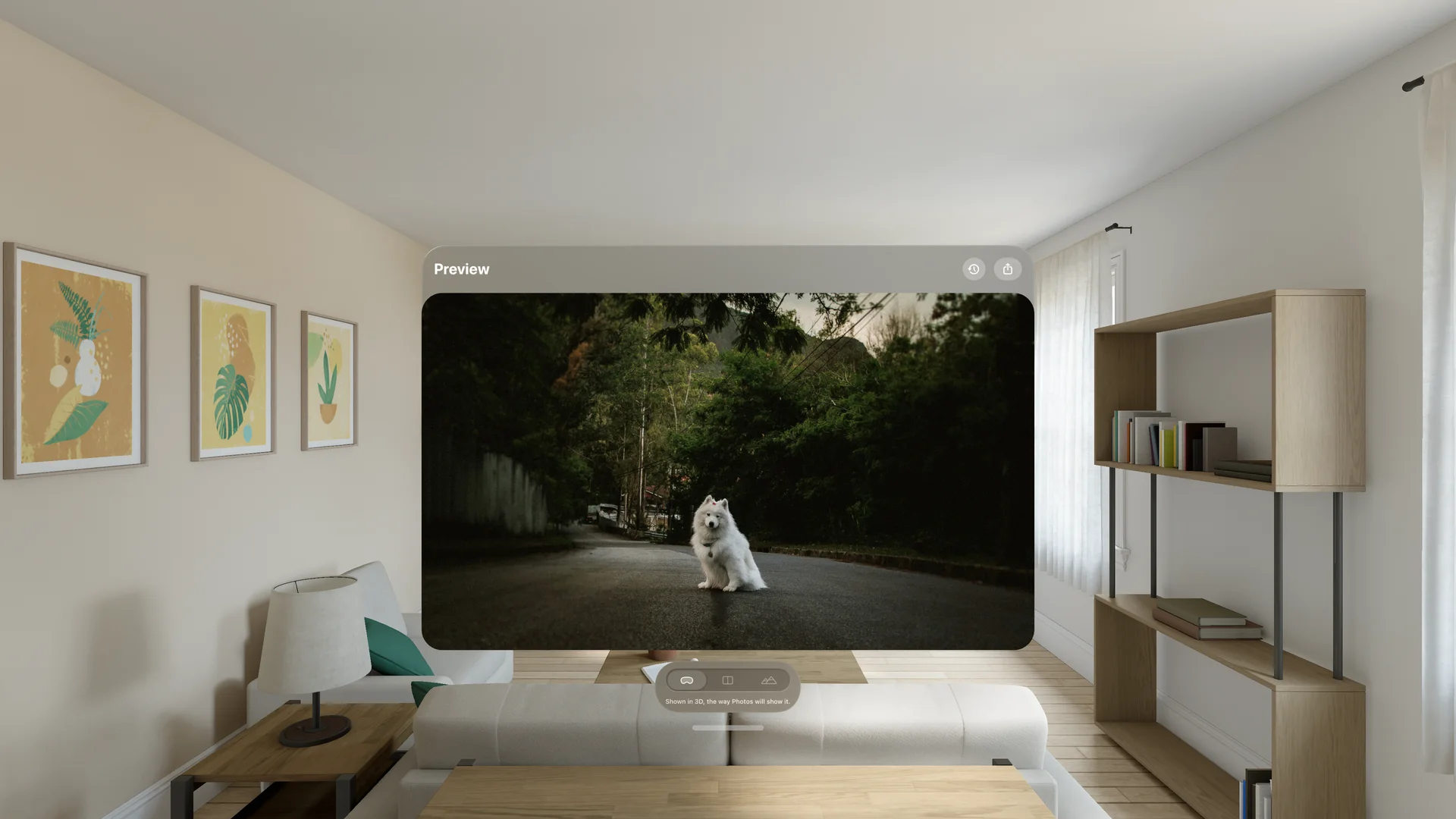
Every result opens in stereo right where you are. Photos and videos alike, as many windows as you like.
Free to try, no sign-inEvery headset
Side-by-side 3D for Meta Quest, Samsung Galaxy XR and any VR headset, and spatial video for Apple Vision Pro.
Free to try
No sign-in, no project limit. Pro is a subscription, a 3- or 6-month pass, or a one-time purchase, and covers iPhone, iPad, Mac and Apple Vision Pro.
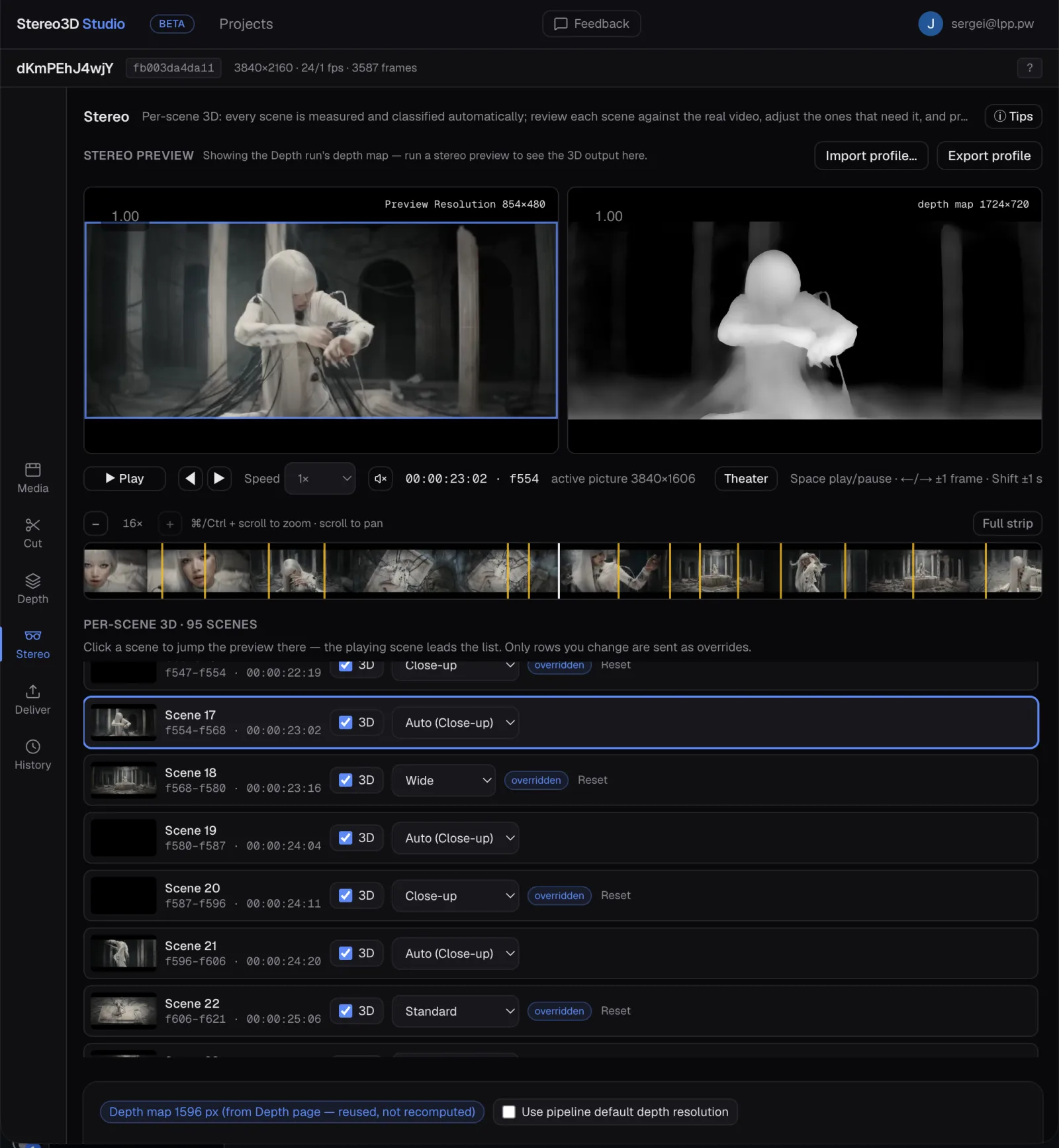
Free to try, no sign-inProfessional 2D to 3D conversion, right in your browser
From the makers of Spatial Video Studio: upload a video, direct the depth scene by scene, and deliver true stereoscopic 3D to every headset, at up to 4K.
In beta, and coming to the Spatial Video Studio app.